Guests pick the songs. Your band sees them on stage.
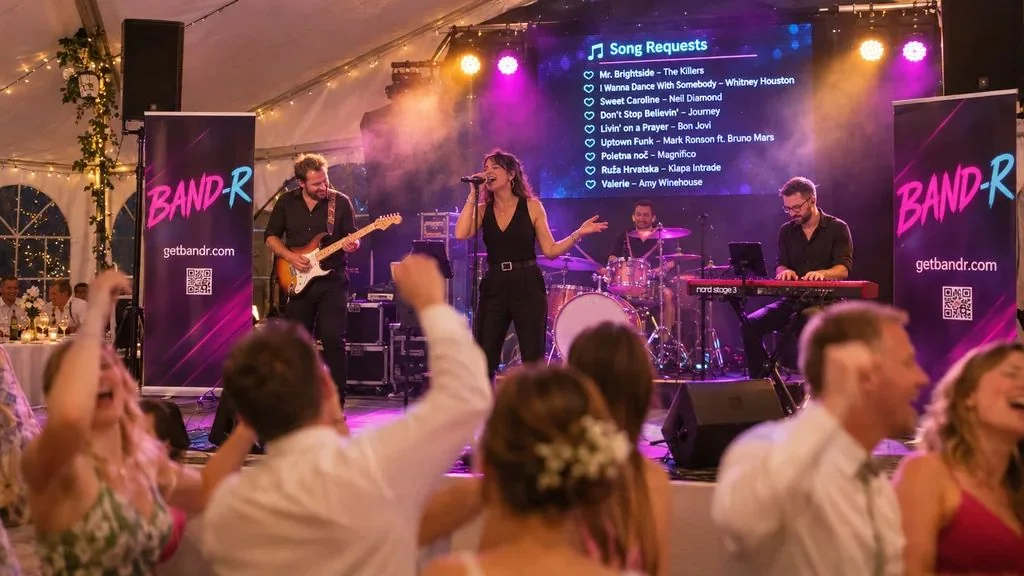
Band-R gives every band a page with its repertoire. Guests choose what they want to hear, and at live gigs they send requests that show up on the stage screen, in order.
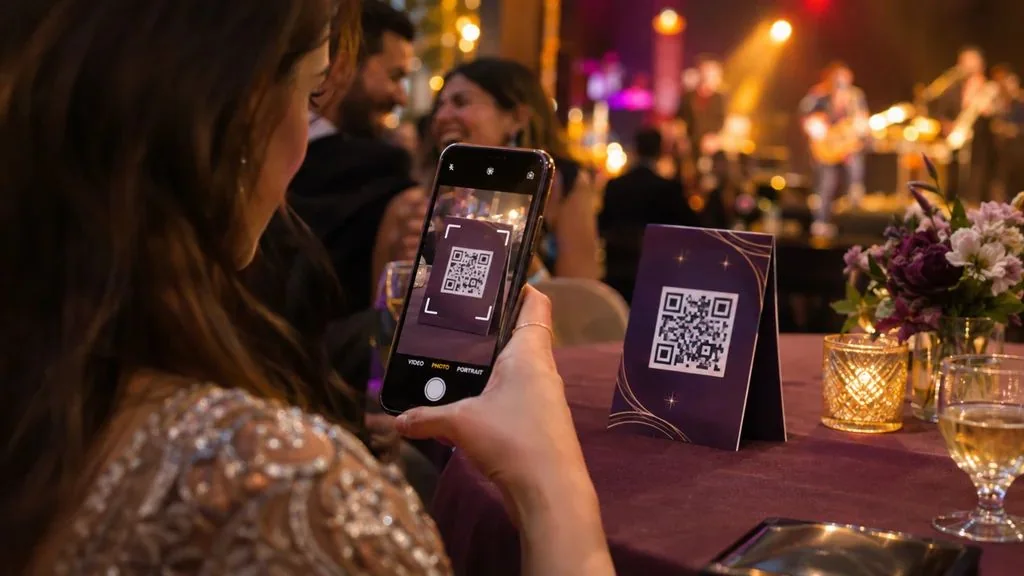
Guests need no app and no account: they scan, tap the songs and send.
On stage tonight
- WonderwallNextOasisTable 4
- HallelujahLeonard CohenTable 9
- Dancing QueenABBATable 2
- Sweet CarolineNeil DiamondTable 6
- ValerieAmy WinehouseTable 1
How it works
Set up your band page
Add your repertoire, photos, price and busy dates. You get your own address: getbandr.com/b/your-band.
Share the link or the QR code
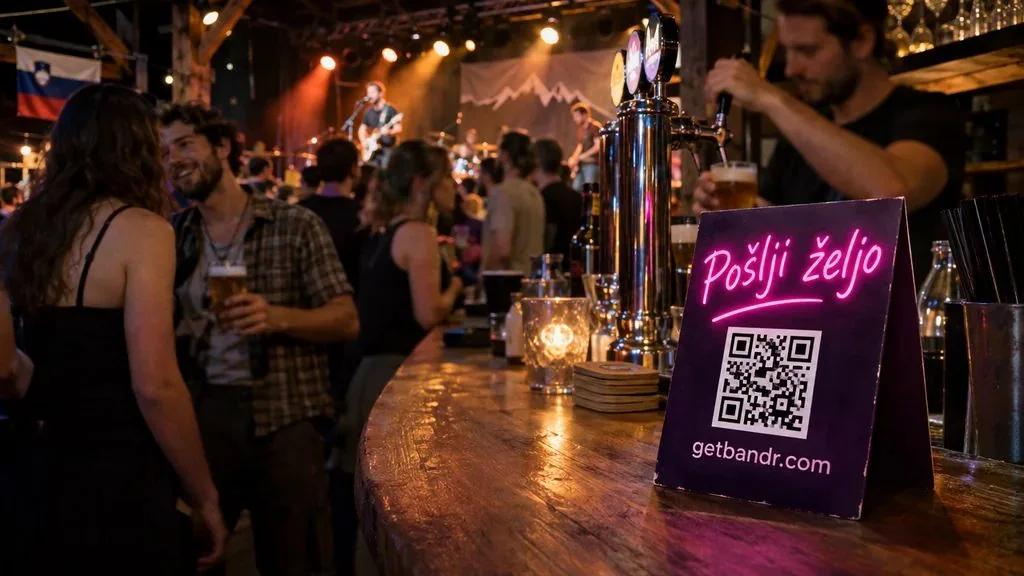
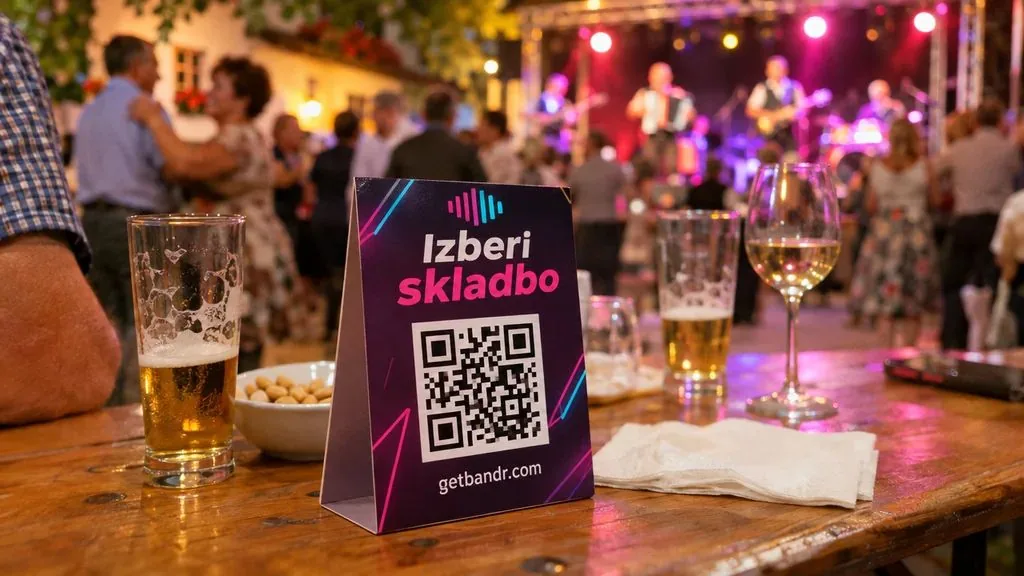
Put it on your website, Instagram or a poster. A poster with your QR code is ready to print from your account.
Guests pick, you play
Guests choose songs and send you the list with the date. At a live gig their requests appear on your stage screen.
What it looks like at a gig
Made for bands that play live
- Repertoire page
- Songs grouped by artist, with search. You decide how many songs a client can choose.
- Inquiries with the date
- A guest sends the date, place and song list in one message. Busy days are marked, so nobody asks for a day you already play.
- Price up front
- Set a base price and a price for extra songs. Clients see the total while they choose.
- Live requests on stage
- Open a gig, show the QR code in the room and watch requests arrive on your stage screen. You set how many can come in per time window.
- Sheet music and setlists
- Keep your charts and setlists in your account and open them on stage. The reader opens even when the venue has no internet.